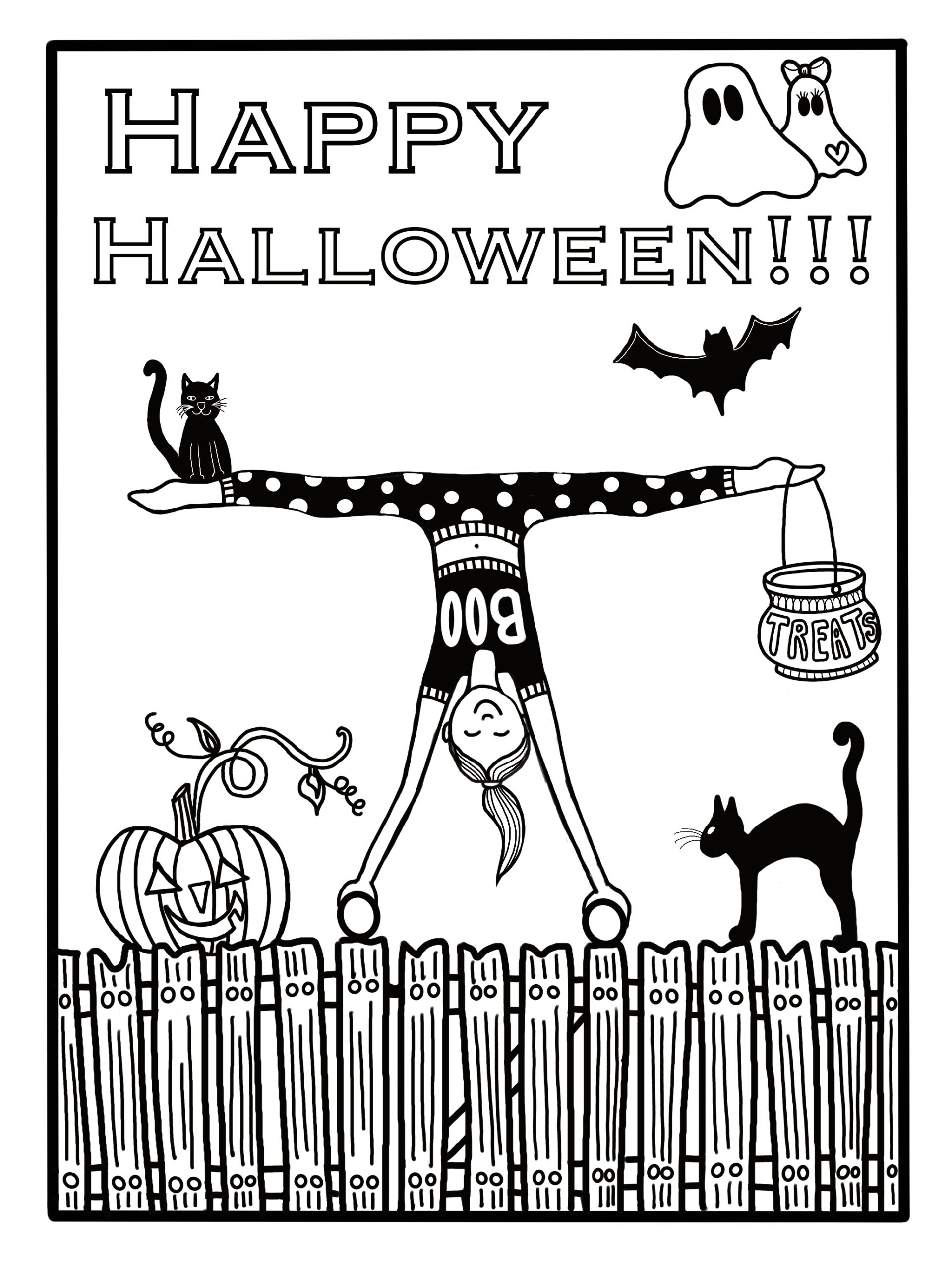
Halloween Coloring Pages
🎨 We’d love to see your masterpiece!
Color your page, snap a photo, and tag us on Instagram @aerialachievements for a chance to be featured!
How to Download Your Coloring Page
1. Click the image or the button below it.
Either one will open the coloring page in a new browser tab.
2. Wait for the full image to load.
You’ll see the coloring page appear by itself on the screen.
3. Save the image to your computer:
On Windows: Right-click on the image and choose “Save image as…”
On Mac: Control-click (or two-finger click) on the image and choose “Save image as…”
4. Choose where to save it.
Select your preferred folder (like Downloads or Desktop), then click Save.
5. Open and print your coloring page.
Once saved, you can open the file from your computer and print it on 8.5″ x 11″ paper (card stock works best!).